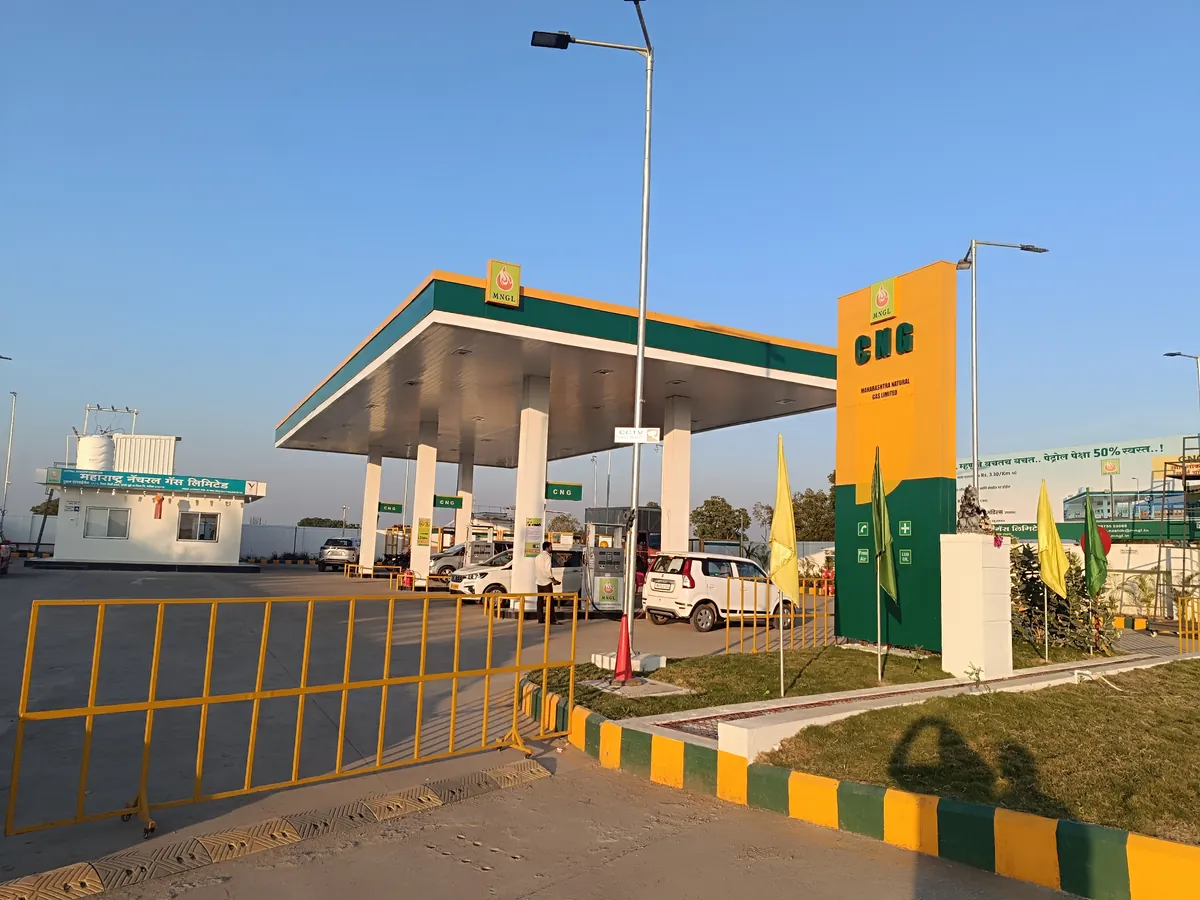

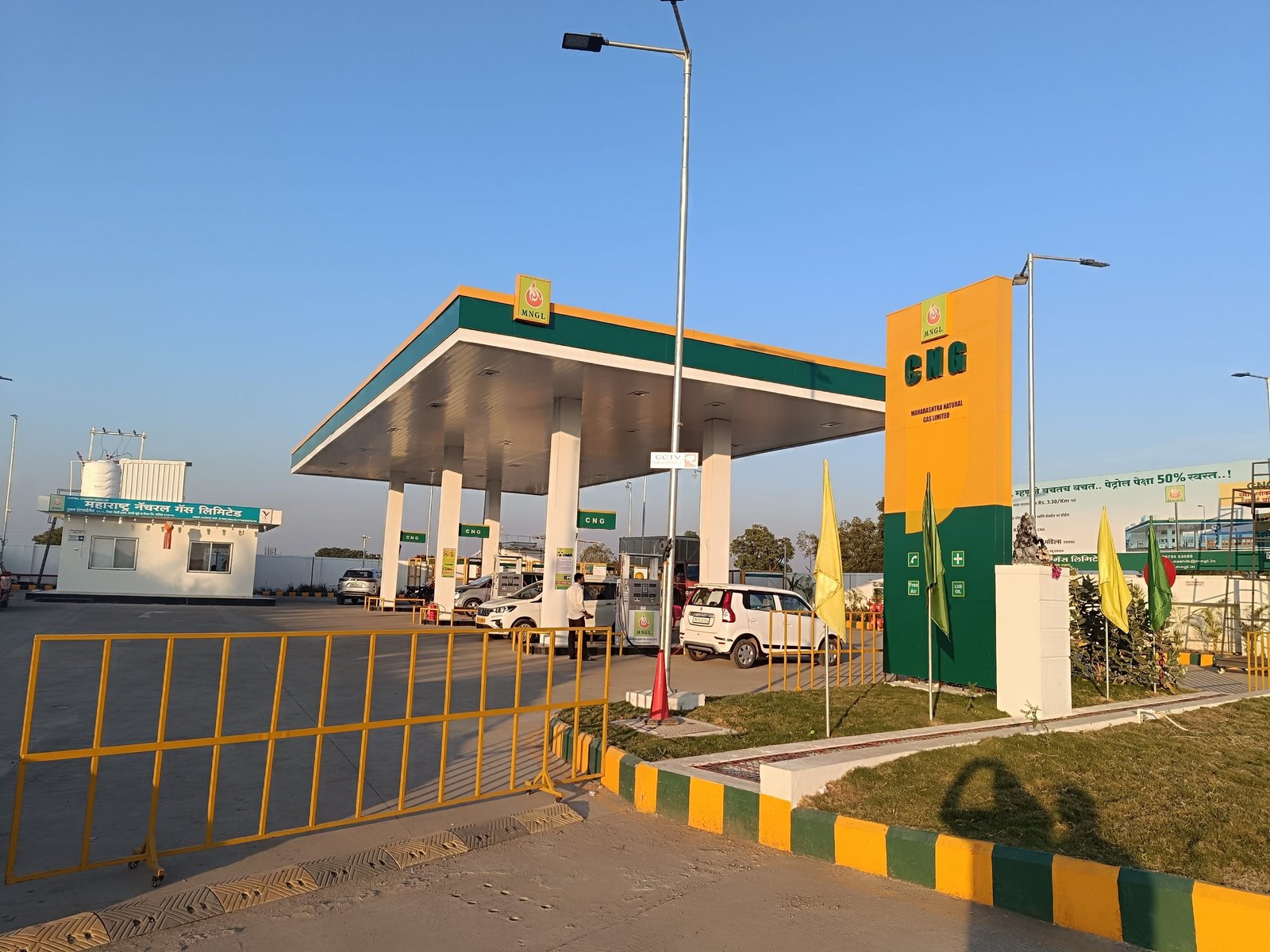
The Verified badge shows drivers that a station is managed by its owner. Verified stations are listed first on the map and in search.
- Open your station in GasView and tap “Claim this station”.
- Confirm that you run the station.
- Once we have checked it, the badge appears on your station.